Geometry Dash Lite vs Full Version: Which Version is for You?
Are you confused between Geometry dash Lite and Full Version? Most people hesitate to download Geometry Dash and are confused between the Lite and Full version. The answer depends on your device, your commitment level and how much time you are willing to invest.
In this guide we will break down the difference between both versions, their performance comparison and help you make decision.
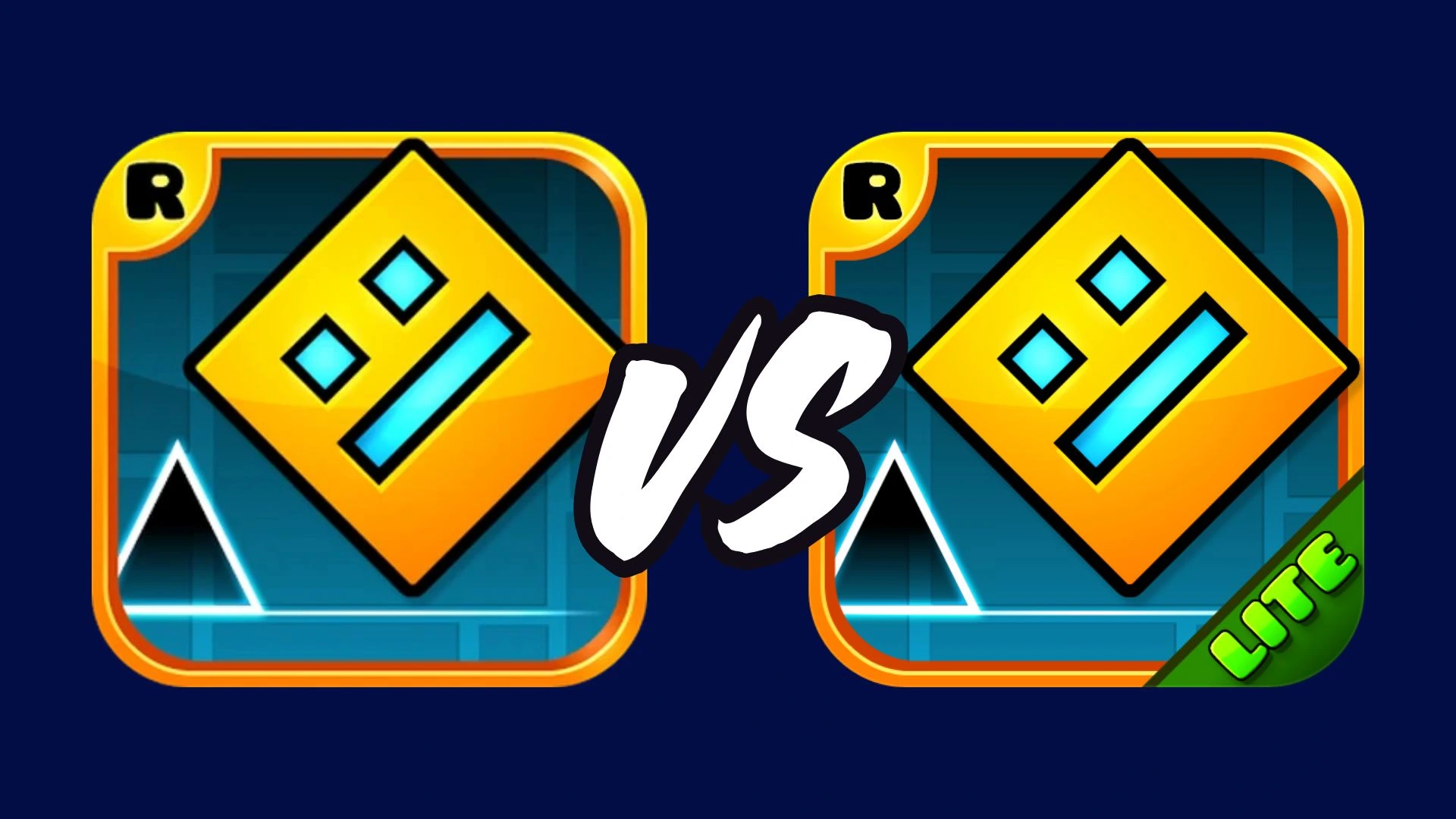
What is Geometry Dash Lite?
Geometry Dash Lite is just a trailer and a starting point for those who want to get a feel of the game. It is a free version with basic features and limited levels, and also contain ads. It teaches you the rules, punishment of breaking those rules, and the restart rhythm.
Geometry Dash Full
Geometry Dash Full version is the actual movie with exciting features like customization, level editor, community, achievements, treasure rooms and lots of levels. It is for those who actually want to commit to the game.
What Actually Makes Them Different?
| Feature | Lite Version | Full Version |
|---|---|---|
| Levels | 17 official levels, limited access | 22+ official levels, Platformer levels, thousands of community levels |
| Ads | Yes | No |
| Level Editor | Not available | Full editor with triggers, camera, music |
| Community | Not available | Search, play and rate millions of user levels |
| Character Customisation | Limited options | Massive customization: icons, colors, etc. |
| Price | Free | Paid ($1.99 mobile, $3.99 Steam) or APK |
Levels
Geometry Dash Lite only has 17 official levels with limited access while full version has around 22 official levels with Platformer-style levels and thousands of community made levels which gives them a premium experience.
Ads
Geometry Dash Lite contain ads that can be annoying sometimes, but Full version does not contain any ads.
Level Editor
You cannot create or customise a level in Geometry Dash Lite, but the full version gives you a level editor where you can experiment with triggers, camera, music and what not. You can make your own level from scratch and share in the community.
Community
Full version has a community where you can search, play and rate millions of user created levels. It is a really cool feature that Lite does not have.
Character Customisation
Full version gives you massive customization options like icons, colors etc. but the Lite version has limited options.
Which Version is for You?
If you are a beginner and have never played Geometry Dash and just want to get feel of the game, you should start with the Geometry Dash Lite version. This way, you can find out if this rhythm game is for you or not. But if you want a full experience with cool features, and want to start a lifetime adventure, then choose Geometry Dash Apk Full Version.
Performance Comparison
Both versions nearly run identical on most devices. On budget phones with 1-2GB RAM, Lite runs smooth but full may sometimes lags especially in level editor. But on good phones with 5-6GB RAMs both run smoothly.
Battery drain is almost same for both. But, full version uses slightly more power than Lite due to its high graphics and level editor. But for casual players, it runs smoothly.
When Should You Switch to Full Version?
We recommend beginners to start with Lite version and complete all those levels. If you enjoyed Lite and want to start an endless journey, with adless experience, unlimited levels and exciting features, then you should move onto Full version.
If you've already ended Lite version and want to download the Apk file of Geometry Dash then you can visit our Geometry Dash Apk install guide.
FAQs
No, Geometry Dash Lite is completely free with official levels and a few user levels. But, it contain ads which can be annoying sometimes.
Beginners should start with Geometry Dash Lite. If the starting levels clicks you and you want to start an endless journey you can switch to Full version.
Yes, Geometry Dash full version provides complete experience with features like character customisation, level editor, community, achievements.
Yes, Lite version has Practice mode which helps beginners to first practice the difficult levels before starting the grind.
Conclusion
Both versions serve different purposes. Lite is for beginners who want to test the waters, and Full is for those who want the complete experience. Start with Lite, and when you're ready, upgrade to the Full Version.